
NetBox on AWS
An AMI on AWS Marketplace, launched into your own AWS account with a CloudFormation stack.
- Deploys with
- CloudFormation
- Recommended size
- t3a.medium
- Ready in
- 5-10 minutes
Setup guides
Launch on AWS Run NetBox, the open-source IPAM and DCIM platform, from a pre-configured image in your own AWS account or Google Cloud project. Document your sites, racks, devices, prefixes, IP addresses and VLANs in one place, and give your automation an API to read them from.
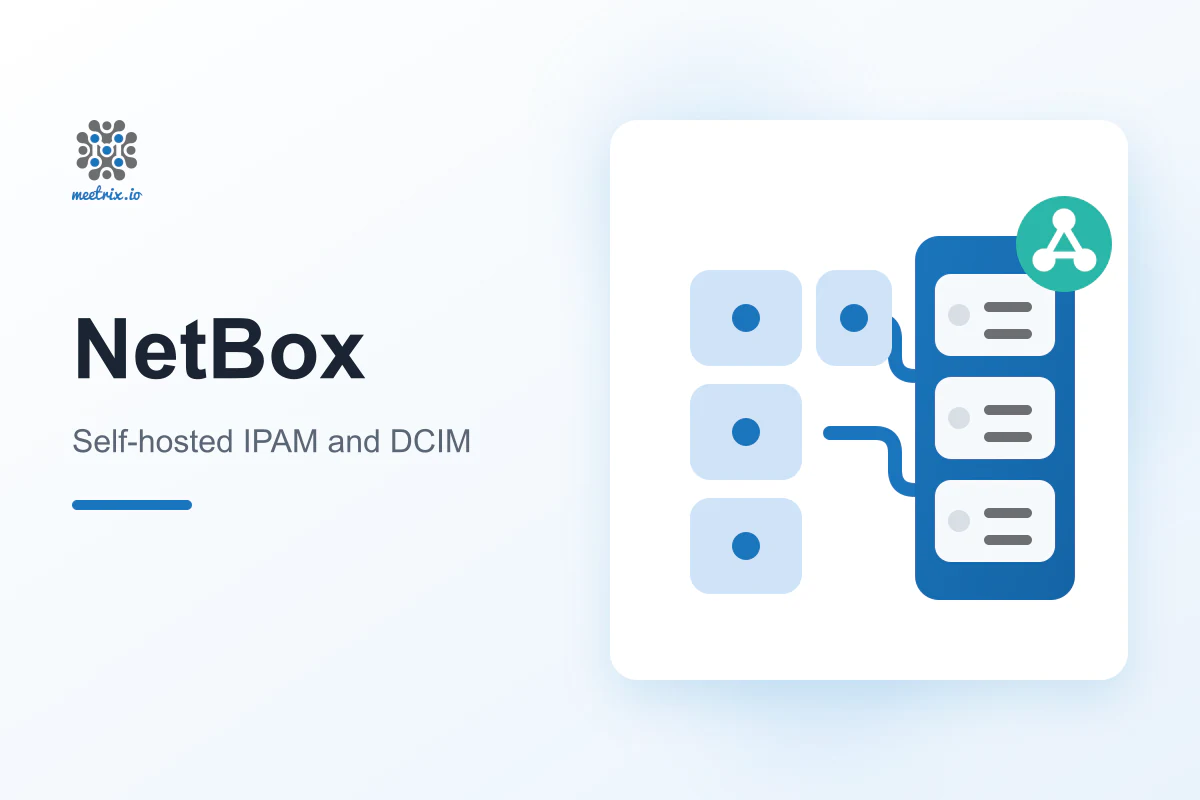
NetBox is an open-source source of truth for network infrastructure, licensed under Apache 2.0. It brings IP address management (IPAM) and data center infrastructure management (DCIM) into one data model built for network engineers. It suits teams that have outgrown spreadsheets and want their automation to read from the same records people keep up to date.
Prefixes, IP ranges, IP addresses, VRFs and VLANs in one place.
Regions, sites, locations, racks and the devices installed in them.
Read and write over REST, query over a read-only GraphQL API.
Extend the data model with custom fields, tags and plugins.
Every create, change and delete is recorded automatically.
Trigger a custom script or an outbound webhook when data changes.
Running NetBox properly needs PostgreSQL, Redis, a reverse proxy and SSL. The image arrives with them set up.
Launch the CloudFormation stack from AWS Marketplace, or fill in the Google Cloud Marketplace deployment form, with your domain, an admin password and a bucket for backups.
After 5-10 minutes, create a DNS A record for the server's public IP. SSL is set up automatically when it can be, and a certificate script on the server covers the rest.
Open your domain, or the URL from the stack or deployment outputs, and log in as admin with the password you chose.
Add your first site and prefix, then create an API token for your scripts and Ansible playbooks.
An AMI on AWS Marketplace, launched into your own AWS account with a CloudFormation stack.
Launch on AWS 
A Google Cloud Marketplace image, deployed on a VM in your own GCP project, with a daily database backup that can upload to your Cloud Storage bucket.
Launch on Google Cloud | NetBox | SolarWinds IPAM | |
|---|---|---|
| Licence | Apache 2.0, open source | Proprietary |
| Pricing model | Free software, pay only for hosting | Custom quote from sales |
| Where it runs | Your own AWS account or GCP project | Your own servers, behind your firewall |
| Racks, devices and cables | Built in (DCIM) | Not part of IPAM |
| DHCP and DNS server management | Not built in | Cisco, Infoblox, ISC, Kea and Microsoft |
An open-source source of truth for network infrastructure. It combines IPAM and DCIM, so your IP addresses, prefixes, VLANs, sites, racks and devices are documented in one place.
Yes. NetBox Community is open source under the Apache 2.0 licence. On AWS or Google Cloud you pay for the server and the Meetrix software fee shown on the listing. Google Cloud adds a 5-day free trial of that fee.
On AWS, t3a.medium is the recommended baseline. On Google Cloud, e2-medium (2 vCPU, 4 GB RAM) is the default and the minimum. Choose a larger size if many users or automation jobs use NetBox at the same time.
Log in with the username admin and the password you set when creating the CloudFormation stack on AWS, or on the deployment form on Google Cloud.
Yes. On AWS it is automatic when your domain is hosted on Route 53, and on Google Cloud when your domain already points at the VM on first boot. Otherwise, run the certificate script on the server as the developer guides show.
Yes. Create an API token in NetBox and call its REST API, or query the read-only GraphQL API. The netbox.netbox Ansible collection can use NetBox as a dynamic inventory.
Back up your data, launch the new version from AWS Marketplace or Google Cloud Marketplace, and remove the old deployment. On Google Cloud you can also update NetBox in place, as the developer guide shows.
NetBox is open source and documents racks, devices and cables as well as IP space, with APIs built for automation. SolarWinds IP Address Manager is proprietary, priced by quote, and adds DHCP and DNS server management.
We deploy and run self-hosted tools on AWS and Google Cloud every day, from SSL and backups to scaling. Tell us what network you want to document.
Contact us